
Hi, in my previous post I have published an article on how to connect with the Windows Azure using PowerShell.
If you remember I had mentioned two ways to connect to the Windows Azure using PowerShell. The first is using Azure AD authentication and second one is using publishing Certificate.
Yesterday we imported the certificate to my machine and it was working well. But today when I tried to connect to my Azure account using PowerShell and run few Azure PowerShell cmdlet, I am getting the below error.
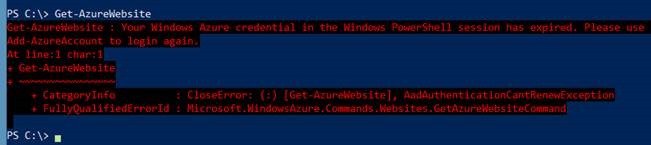
And getting the same error on the “Windows Azure PowerShell Console” too.
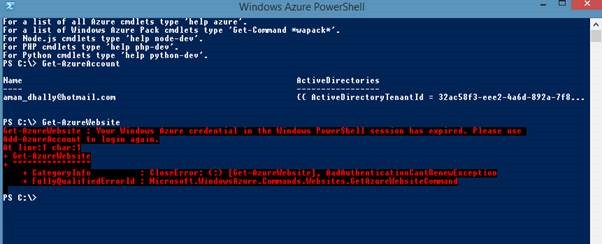
So I was wondering what might be the issue is, as I was working well yesterday. And I just remember that. Yesterday Before using the certificate methods to login, we used a windows Azure Authentication to login and these login was valid for 12 hours, that’s why we able to login and able to run Azure PowerShell cmdlets yesterday.
Solution
After few tries, I manage to connect with my Windows Azure account using previously installed certificated.
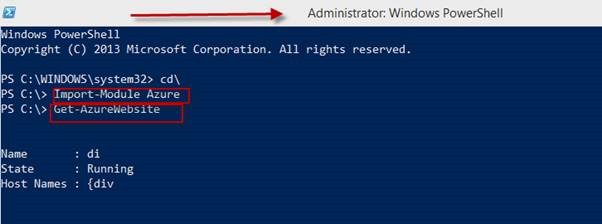
The solutions is: Run PowerShell Console as Administrator
If you want to use your Windows Azure PowerShell cmdlets using certificates, run PowerShell as administrator. That’s all
I run the PowerShell as administrator and imported Azure module and after that I am successfully able to run windows Azure PowerShell cmdlets.
See you in my next blog post.
Regards
Aman Dhally


