
Hi,
We all love customization and personalize our laptop setting. Like we all (majority of) love to change our wallpapers. 
I have few scripts, which rebooted a laptop twice thrice, on those scripts i use Logon screen as a information and “how to’s” board.
and if you want some fun , you can also change the login screen with your choice of picture.
How to change login screen?
- Make sure the picture which you want to set as Login Screen is less then 254KB
- Rename the picture to “backgroundDefault.jpg”
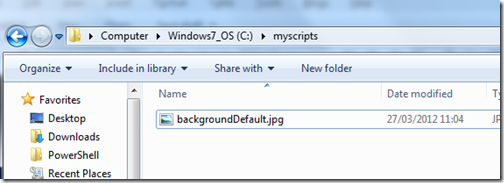

Run Powershell as Administrator.
Now, we need to set “OemBackgroud” value to 1 in the registry
Set-ItemProperty -Path hklm:\SOFTWARE\Microsoft\Windows\CurrentVersion\Authentication\LogonUI\Background
-Name OEMBackground -Value 1


Now copy the “backgroundDefault.jpg” to the “C:\Windows\System32\oobe\info\backgrounds\”folder.
Copy-Item -Force "c:\myscripts\backgroundDefault.jpg"
"C:\Windows\System32\oobe\info\backgrounds\" -Verbose

Now, to test, lock you screen (Windows Key + L ) and see if logon screen is changed or not.
But mine is changed 🙂
How to set login screen to default again?
To set logon screen to default again, set the OEM key to “0” again.
Set-ItemProperty -Path
hklm:\SOFTWARE\Microsoft\Windows\CurrentVersion\Authentication\LogonUI\Background
-Name OEMBackground -Value 0
I hope that you find is useful.


