
Hi,
First of all I want to congratulate all new MVPs and want to thanks them their contribution to the community . I also want to congratulate “Sarabpreet Singh Anand” who became a “SQL” MVP this year for first time, brother we do proud on you.
Today “New Delhi” is feeling like a big refrigerator the temperature is almost 8 Degree Celcius and a heavy fog is every where.
anyway…..
I am in love with Powershell V3, I think in this new version we have CMDLET for each and every task. Today i am going to show you a very simple task , the task in setting Display Resolution on Desktop using Powershell V3 Cmdlets.
Open PowerShell Console { You know hot to do this ;o) }
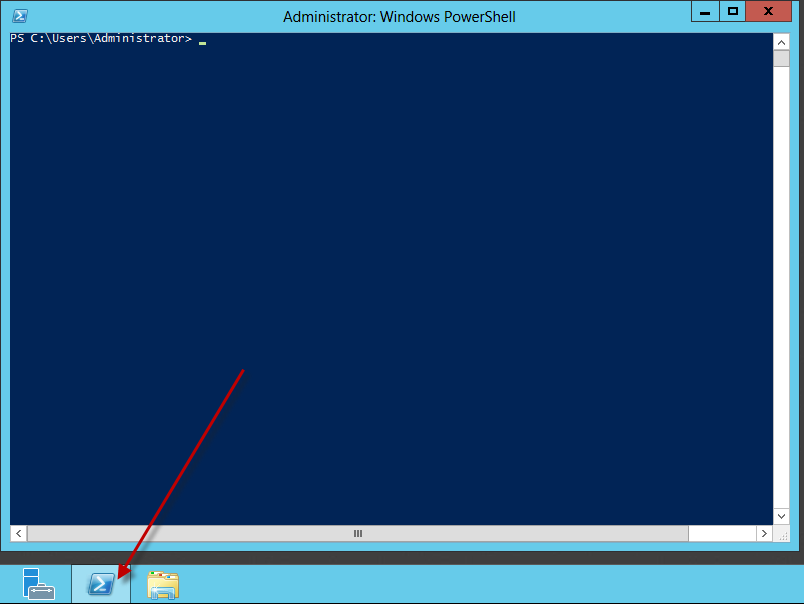
To know you current display resolution use this cmdlet “Get-DisplayResolution”.

So my current display resolution is “1920×1080” . Now lets change the resolution using the another cmdlet “Set-DisplayResolution”
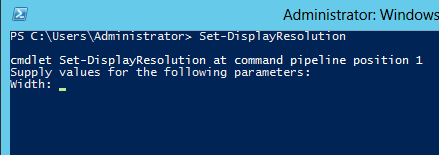
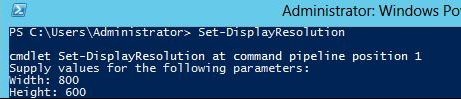
type and run “Set-DisplayResolution”
it ask you to define the width of resolution in pixels : i typed 800
after define the width in Pixels we have to provide the height pixel size of 600
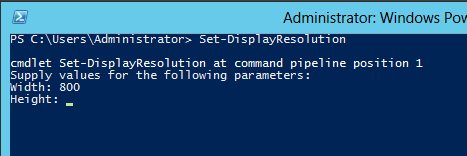
Hit enter .
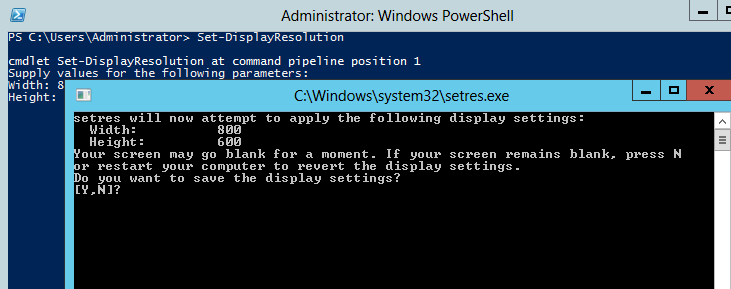
Now a new windows opens and asking for the confirmation that if we want to apply the display setting or not, if you enter “Y” new display resolution will be applied, if you enter “N” then you are back to the original display resolution nothing will be changes and if you type or enter nothing you will be back to original display settings.
In my case i type and enter “Y”
and my display resolution is changed.
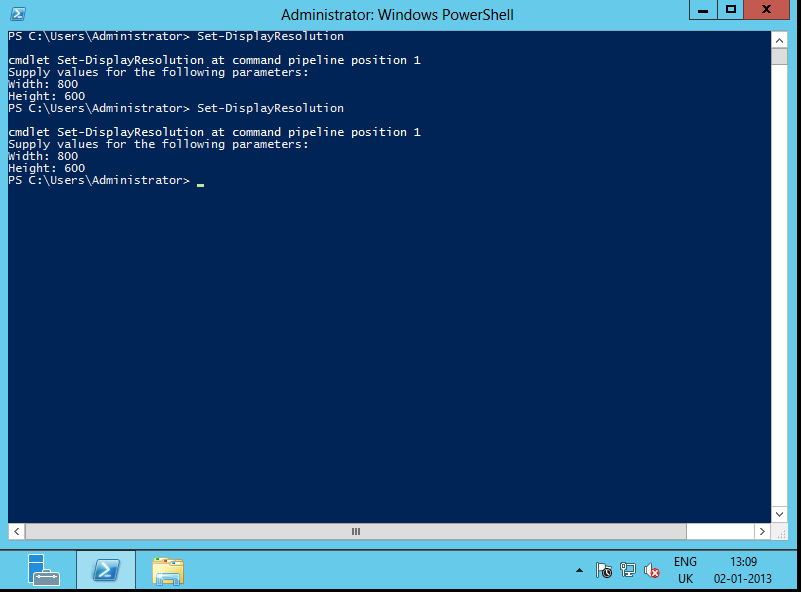
 cool…..
but wait… we can make the above in to one-liner so that we can use this on our scripts so that it won’t ask for any confirmation window.
Set-DisplayResolution -Width 800 -Height 600 -Force

Thanks
Aman Dhally


Thanks Aman for the wishes.
You are welcome Dear..
Hi
I am in Windows 8, and have tried both Powershell 3.0, and 2.0 and the command you list is not an available one. Have you installed a separate addon?
Hi Fin,
I am using these cmdlets in Windowsserver2012.
I m not sure if these are available of windows8{but i thin it should be there}
thanks
aman
Hello Aman, just wanted to provide my two cents. The Get-DisplayResolution and Set-DisplayResolution Cmdlets are actually part of the Server Core module, so they are not available in Windows 8. To view which module a Cmdlet belongs to you can run the following code:
Get-Command Get-DisplayResolution
Ahhh !! Thanks Jabrasser
Forget 2 Cents..what about a cup of India Chai (Tea)
thanks
aman
No problem, Indian Chai tea sounds delicious. I might take you up on that offer next time I’m in India 😉
Deal 🙂 .
and whenever you come to India next time we will meet and have a CHAI together 🙂
and yes Indian chai is delicious.
thanks
aman
Can you help ! How to check screen resolution for multiple monitors in a single pc.
Hi Aman,
The command “Set-DisplayResolution” is not working on windows 10. Any idea?